

Adaptive equipment for visual impairment is dominated by assistive technology — screen readers, magnifiers, talking devices. These are critical. But visual impairment also creates physical daily living challenges that non-technology adaptive tools address: the dropped object that cannot be seen, the container that cannot be read to identify whether it opens clockwise or counterclockwise, the safe path to pick up items without stepping on them or tripping. Physical adaptive tools and assistive technology serve different functions and both are needed.
Direct answer: for people with visual impairment or low vision, the most relevant physical adaptive tools are: the GrabbersTool Reacher Grabber (for locating and retrieving dropped objects by feel rather than sight), the Electric Jar Opener and Electric Can Opener (motorized openers with tactile positioning that do not require reading orientation markings), and the Standing Assist Tool (provides a consistent tactile reference point for rising from a chair when spatial orientation is uncertain).
How Visual Impairment Creates Physical Daily Living Challenges
The physical daily living challenges of visual impairment that adaptive tools address include:
Object Retrieval
A dropped object that cannot be seen requires either floor-level searching by feel — which involves kneeling and tactile exploration of the floor area — or leaving the object until someone with sight assists. For a person with accompanying mobility limitations (not uncommon in older adults with age-related macular degeneration), floor searching by feel is both difficult and a fall risk. A reacher grabber tool used in a sweeping motion covers floor area efficiently without kneeling: the jaw end contacts objects it cannot see, grip confirms pickup, and the object is retrieved standing.
The Precision Grabber is particularly effective for small object retrieval because its narrower jaw provides better tactile feedback on small items — the jaw closing on a pill bottle feels distinctly different from the jaw contacting floor, which provides the confirmation signal for grip.
Container Opening Without Visual Reference
Manual jar and can openers require visual orientation: aligning the can opener blade, finding the lid edge, confirming direction of rotation. Electric openers remove the orientation requirement. The GrabbersTool Electric Jar Opener is positioned on the lid and activated; it self-aligns. The Electric Can Opener attaches to the can rim at any position and runs automatically to completion. Neither requires reading orientation markings or visually confirming alignment.
| Task | Visual Requirement (Manual Method) | Visual Requirement (Electric Method) |
|---|---|---|
| Jar opening | Align grip on lid, confirm tightness | Place device on lid, activate — tactile only |
| Can opening | Align blade to rim, confirm attachment | Place on rim edge, activate — automatic alignment |
| Bottle top removal | Confirm cap type, apply correct tool | Lever-based; works by feel |
Electric opener button placement and tactile feedback during operation are described in product specifications. View jar opener specifications
Spatial Orientation and Mobility Aids
A walking cane for visual impairment is a distinct category from a mobility aid cane: the white cane or long cane used for navigation provides environmental feedback through contact, not weight-bearing support. However, many older adults with visual impairment also have accompanying mobility limitations and use a standard walking cane for both mobility support and some environmental sensing.
The GrabbersTool Walking Cane is a mobility aid cane, not a navigation cane. For combined mobility and visual impairment, the cane serves the stability function while other adaptive tools address the kitchen and object-retrieval functions. The Cane Strap keeps the cane accessible without requiring visual location — the strap on the wrist means the cane is always at hand.
Tool Design Features That Support Low Vision Use
Beyond the tool category, specific design features matter for low vision users:
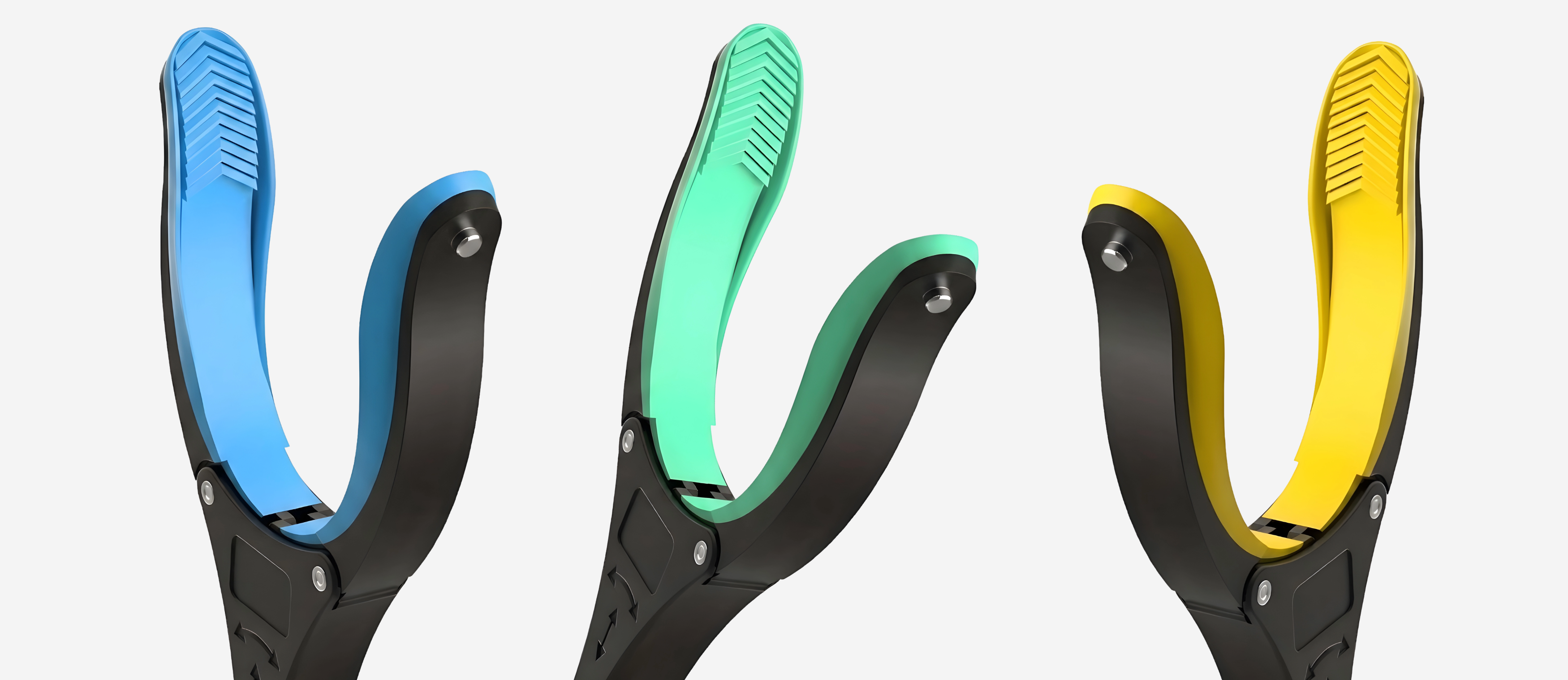
- High contrast color: a brightly colored handle on a reacher grabber against a floor or furniture is easier to locate with limited vision than a neutral-colored tool
- Tactile activation: push-button controls that provide a tactile click confirmation are preferable to smooth touch surfaces for users who cannot see whether a button was activated
- Automatic shutoff: openers that stop automatically at completion eliminate the need for visual confirmation that the opening process is complete
- Consistent placement: for low vision users, tools that are always in the same location can be found without sight — tactile landmarks on counters or in drawers help maintain tool location
GrabbersTool product colors, button placement, and shutoff mechanisms are described on each product page. View electric can opener specifications
See also: Aging in Place: The Adaptive Tool Strategy That Actually Works and Fall Prevention at Home: What Adaptive Tools Actually Reduce Risk.
Browse Easy Grip Kitchen Openers and Reacher Grabber Tools for the full product range.


